
A lot of churches are paying for a church management system that tries to do what their website builder should do. Or they’ve got a website builder doing things a ChMS should handle. The confusion costs real money, and it creates frustrating gaps where important things fall through the cracks.
Here’s the short version: a ChMS manages your people. A website builder manages your public face. You probably need both. But they do very different jobs, and understanding the difference will save you from buying the wrong tool, overpaying for features you don’t use, or leaving critical gaps in how your church operates.
Let’s break it down.
What a Church Management System Actually Does
A ChMS is your internal operating system. Think of it as the tool your staff uses behind the scenes to keep the church running. The congregation rarely sees it. The public never does.
Here’s what lives inside a ChMS:
Member database. Names, contact info, family connections, membership status, volunteer roles. This is the master list of everyone connected to your church.
Giving and financial tracking. Who gave, how much, and when. Contribution statements. Fund tracking. Budget reporting. This is the bookkeeping layer that keeps your church compliant and your elders informed.
Groups and classes. Small group rosters, Bible study signups, discipleship cohorts. Tracking who’s in what, and when groups start and end.
Volunteer scheduling. Who’s serving where and when. Worship team rotation, kids ministry check-in, parking team assignments. The logistics of getting people in the right place on Sunday morning.
Check-in systems. Especially for kids ministry. Parents drop off, kids get name tags, parents get matching tags. Safety, accountability, and peace of mind.
Communication tools. Email and sometimes texting, but targeted. “Send a message to everyone in the Wednesday night group” or “email all volunteers serving this Sunday.”
The big names here are Planning Center, Breeze, Church Community Builder, and Tithely (which also sells website tools, which is part of the confusion). If your church runs on spreadsheets for any of the above, a ChMS is the upgrade that changes everything.

What a Church Website Builder Actually Does
A website builder is your external public face. It’s the thing a stranger sees when they Google “churches near me” and click on your name. It has one job: make a great first impression and give that person a clear next step.
Here’s what lives on your website:
Homepage. Service times, location, what to expect, and a clear call to action. This is the five-second decision point for every first-time visitor.
Plan Your Visit page. The page that turns a curious browser into someone who actually shows up on Sunday. Name, email, maybe “do you have kids?” and a warm confirmation email.
Sermons page. Video or audio of recent messages. First-time visitors preview your pastor before they commit to a Sunday. Regular attenders re-watch and share.
Events and ministries. What’s happening beyond Sunday morning. Small groups, community events, seasonal programming.
Blog or resource content. SEO-driven pages that help your church show up on Google for the things people in your community are actually searching for.
Design, speed, and mobile experience. Your site needs to load fast, look good on a phone, and feel like your church before someone ever walks through the door.
The big names here are FaithMade, Nucleus, The Church Co, Squarespace, and Wix (though the last two aren’t built for churches specifically). If your church website looks like it was built in 2016 and hasn’t been touched since, a modern church website builder is the fix.
Where the Confusion Happens
Here’s the problem. A lot of ChMS tools have started adding website features. And some website builders have started adding people-management features. The lines got blurry, and now churches end up in one of two bad situations.
Situation 1: The ChMS that “does websites.” Your ChMS vendor says you can build a website through their platform. You can. But it’s usually bare-bones, slow, and designed by database engineers, not designers. The website is an afterthought bolted onto the management tool. It works. It just doesn’t work well. And the first-time visitor who lands on it won’t know (or care) that your member database is great. They’ll just see a clunky site and leave.
Situation 2: The website builder that “manages people.” Your website builder offers a basic contact form and maybe an email list. The communications director starts using that as the church database. Six months later, you’ve got three different lists in three different places, nobody knows which one is current, and giving records live in a totally separate system. The website is doing a job it was never designed for.
Both situations happen because churches try to use one tool for both jobs. It rarely works well. The tools that do both tend to do neither one great.
What Actually Works: The Right Tool for the Right Job
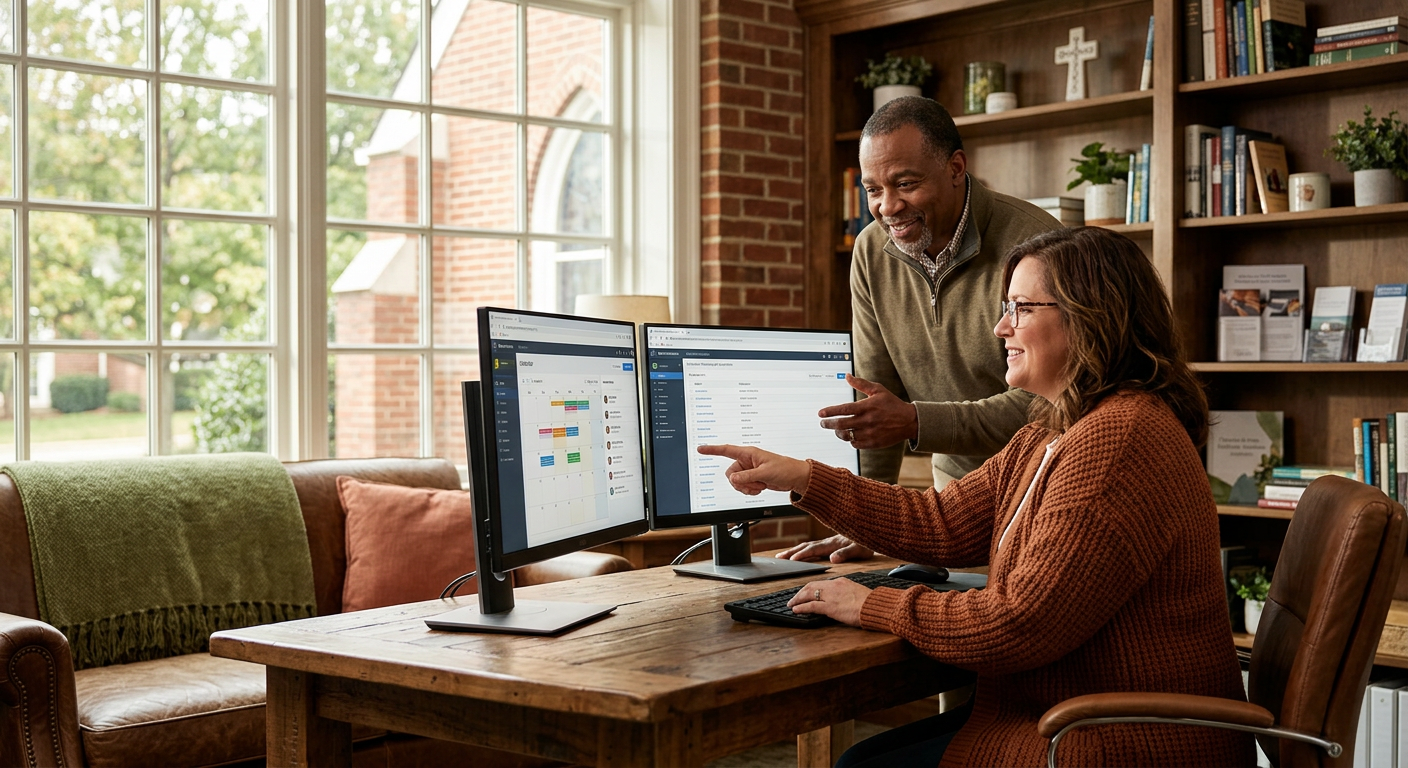
The answer for most churches is straightforward. Use a ChMS for your internal operations. Use a website builder for your external presence. Make sure they talk to each other where it matters.
Here’s what “talk to each other” looks like in practice:
Visitor handoff. Someone fills out your Plan Your Visit form on your website. That info should flow into your ChMS as a new contact, so your follow-up team can do their thing. This is the most important integration point.
Event registration. Someone signs up for an event on your website. That registration should show up in your ChMS so you know who’s coming and can follow up.
Giving. Most churches use a giving platform that connects to their ChMS. The website just needs a clear “Give” button that links to the right place.
You don’t need the website and the ChMS to share everything. You need them to share the moments that matter, the moments where someone goes from “anonymous visitor” to “known person your church can care for.”
A Practical Recommendation
If you’re starting from zero or rebuilding, here’s the simplest path:
For your ChMS, start with Planning Center. Planning Center is the most widely used, has excellent volunteer scheduling and check-in, and integrates with almost everything.
For your website, use something built for churches. A generic website builder like Wix or Squarespace can work, but you’ll spend hours building pages that a church-specific tool gives you on day one. Plan Your Visit, sermons, events, ministry pages, all structured for how visitors actually use a church website.
FaithMade is built for exactly this. Move-In Ready church websites that look great before you type a single word. Leo, our AI assistant, generates your site content based on your church’s name, location, and style. And it connects to Planning Center and other ChMS tools so your visitor data flows where it needs to go. Easy peasy.
Stop Paying for the Wrong Tool
If you’re paying for a ChMS that includes a mediocre website, your public face is suffering. If you’re using your website builder as a makeshift database, your internal operations are suffering.
Get the right tool for each job. Let the ChMS handle your people. Let the website handle your visitors. Connect them at the handoff points. That’s the setup that actually works.
Start your FaithMade site and see how it connects with the ChMS you already use.
