
Someone in your city is going to search “church near me” this Sunday. They will scroll through three or four results, pick one that looks welcoming, and show up. That is the entire decision process. No brochure. No phone call. Just a Google search and a gut feeling.
Church SEO is how you show up in that moment. Not to game the system or chase clicks, but to remove the barriers between a searching person and your front door. If your church is doing good work in your community, the people looking for that work deserve to find you.
This guide walks through everything your church needs to know about SEO, from setting up your Google Business Profile to optimizing your website pages to building the kind of online presence that earns trust before anyone walks through your doors. No jargon. No fluff. Just practical steps a church communicator can start using today.
Here is what you will have by the end: a clear understanding of how search works for churches, a prioritized checklist of what to fix first, and the confidence to stop feeling behind on something that is much simpler than the internet makes it sound.
What Is SEO (And Why Should a Church Care)?
SEO stands for Search Engine Optimization. In plain language, it means making your website easier for Google to understand so it can recommend your church to the right people at the right time.
Think of it like this. Your church building has a sign out front, a street address, and maybe a banner for the upcoming sermon series. All of that helps someone driving by understand who you are and when to show up. SEO does the same thing for the internet. It helps Google read your “digital sign” and show it to people searching for exactly what you offer.
Here is why it matters specifically for churches. Most church growth strategies focus on who is already connected: invite campaigns, word of mouth, social media. Those are great. But they miss an entire group of people, the ones who are not connected to anyone at your church yet. They are searching Google with real questions: “churches near me,” “nondenominational church in [city],” “church with a good kids program.”
If your church does not show up for those searches, you are invisible to the exact people who are actively looking for a place to belong.
The good news is that church SEO is not complicated. Most of the wins come from doing a handful of things well, consistently. You do not need to hire an agency or learn to code. You need to understand the basics and take action.
Why Church SEO Is Different From Regular SEO
Before we get into the how, let us talk about why church SEO is its own category.
Most SEO advice is written for businesses trying to sell products. The strategies assume you are competing on price, features, and conversion funnels. Churches are not selling anything. You are inviting people into community. That changes the game in a few important ways.
Local search is everything. A church in Dallas does not need to rank nationally. You need to show up when someone within a 15-minute drive searches for a church. This makes local SEO for churches the highest-priority skill to learn. The local map pack (those three results with a map at the top of Google) is where most of your website traffic will come from.
Trust signals matter more than keywords. When someone searches for a church, they are making a deeply personal decision. They want to see photos of real people, read genuine reviews, and get a feel for the community before they visit. Google knows this too, and it rewards websites that demonstrate authenticity and trustworthiness.
Your content is already ministry. Sermon archives, event pages, blog posts about navigating grief or parenting or faith. All of that is content that Google can index and serve to people searching for answers. You are probably already creating SEO content without realizing it.
Seasonality drives search. Easter, Christmas Eve, back-to-school, and yes, even Father’s Day drive predictable spikes in church-related searches. Understanding when people search helps you prepare your website before the wave hits.
The bottom line: church SEO is less about technical tricks and more about being helpful, clear, and findable. That sounds a lot like hospitality, because it is.
Google Business Profile: Your Most Important Free Tool
If you only do one thing from this entire guide, do this: claim and optimize your Google Business Profile (GBP). This is the single most impactful thing you can do for your church’s online visibility.
Your Google Business Profile is the box that appears when someone searches your church name, or when you show up in the local map pack for “church near me” searches. It shows your address, hours, phone number, photos, reviews, and a link to your website. Here is how to set it up right.
Claim Your Profile
Go to business.google.com and search for your church. If a listing already exists (and it probably does), claim it. Google will verify that you are authorized to manage it, usually by sending a postcard to your church address or through a phone verification. If no listing exists, create one. Choose “Religious Organization” as your primary category.
Fill Out Every Single Field
Google rewards completeness. Fill out every field they give you. Use your actual church name (no keyword stuffing). Enter your physical address exactly as it appears on your website. Use a local phone number. Link to your homepage. Include both service times and office hours. Write a warm 750-character description with your city name. Add at least 10 real photos of your building, worship space, kids area, and people.
Post Regular Updates
Google Business Profile has a “Posts” feature that works like a mini social media feed. Use it weekly. Share your upcoming sermon topic, a short devotional, an event announcement. These posts signal to Google that your church is active and engaged. Most churches never use this feature, which means doing it puts you ahead immediately.
FaithMade tip: If your church website is built on FaithMade, your site is already structured to work hand-in-hand with your Google Business Profile. Fast load times, mobile-first design, and built-in schema markup mean Google can read your site clearly. See how FaithMade handles this
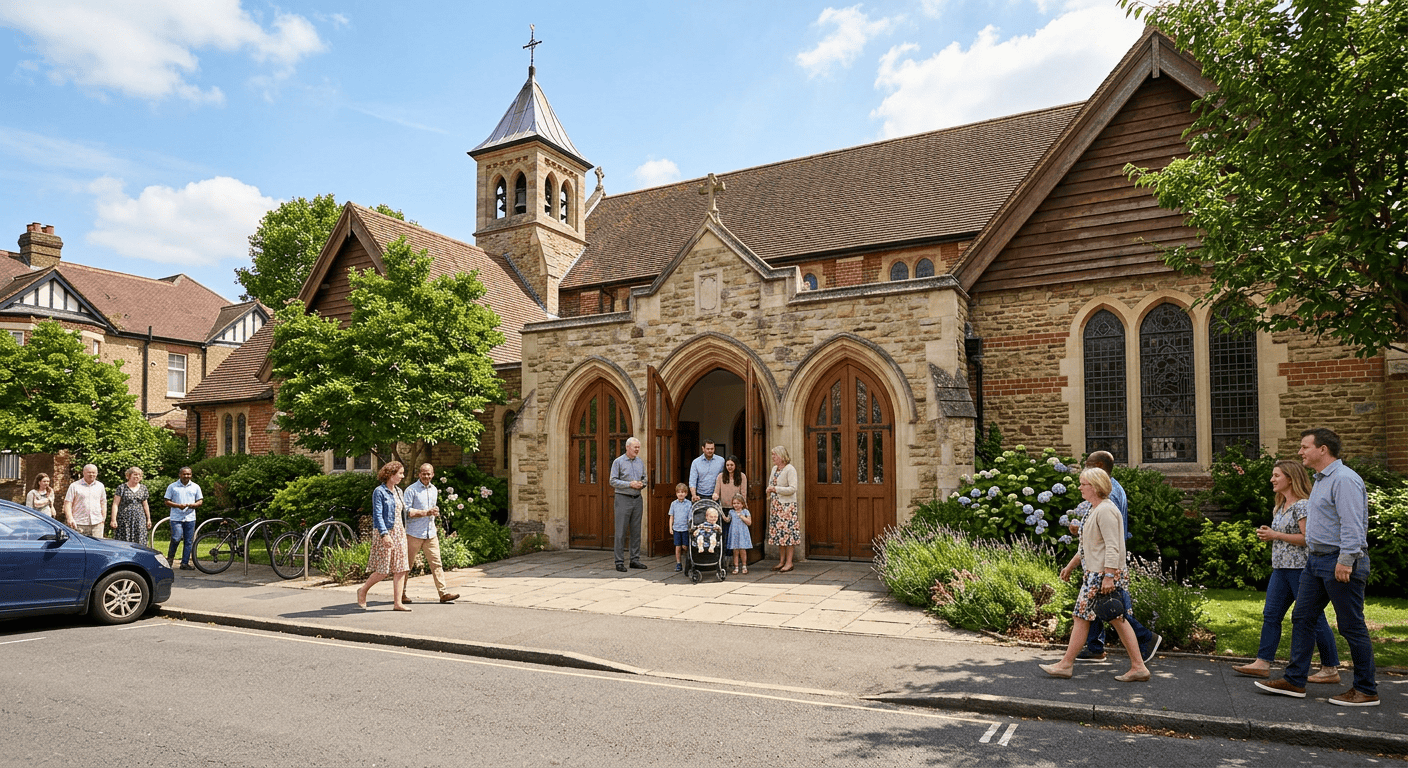
Local SEO: Showing Up in the Map Pack
Local SEO is the practice of optimizing your online presence so you appear in location-based searches. For churches, this means showing up when someone searches “church near me,” “baptist church in [city],” or “Sunday service [neighborhood].” The local map pack gets the majority of clicks. Getting there is about three things: relevance, proximity, and prominence.
Relevance
Google needs to understand what your church is and who it serves. This starts with your Google Business Profile categories and extends to the content on your website. Make sure your homepage clearly states your church name, city, and what you are. Do not make Google guess.
Proximity
Verify that your address is consistent everywhere it appears online: your website, Google Business Profile, Facebook, Yelp, church directories. This consistency is called NAP (Name, Address, Phone number). Pick one format and use it everywhere.
Prominence
Prominence is Google’s measure of how well-known your church is online. Build it by earning genuine Google reviews and getting listed in relevant online directories: your local chamber of commerce, church finder directories, local community resource pages, and your city association’s website. Each creates a “citation” that tells Google your church is established in your community.
For a deeper dive, check out our full guide on local SEO for churches.
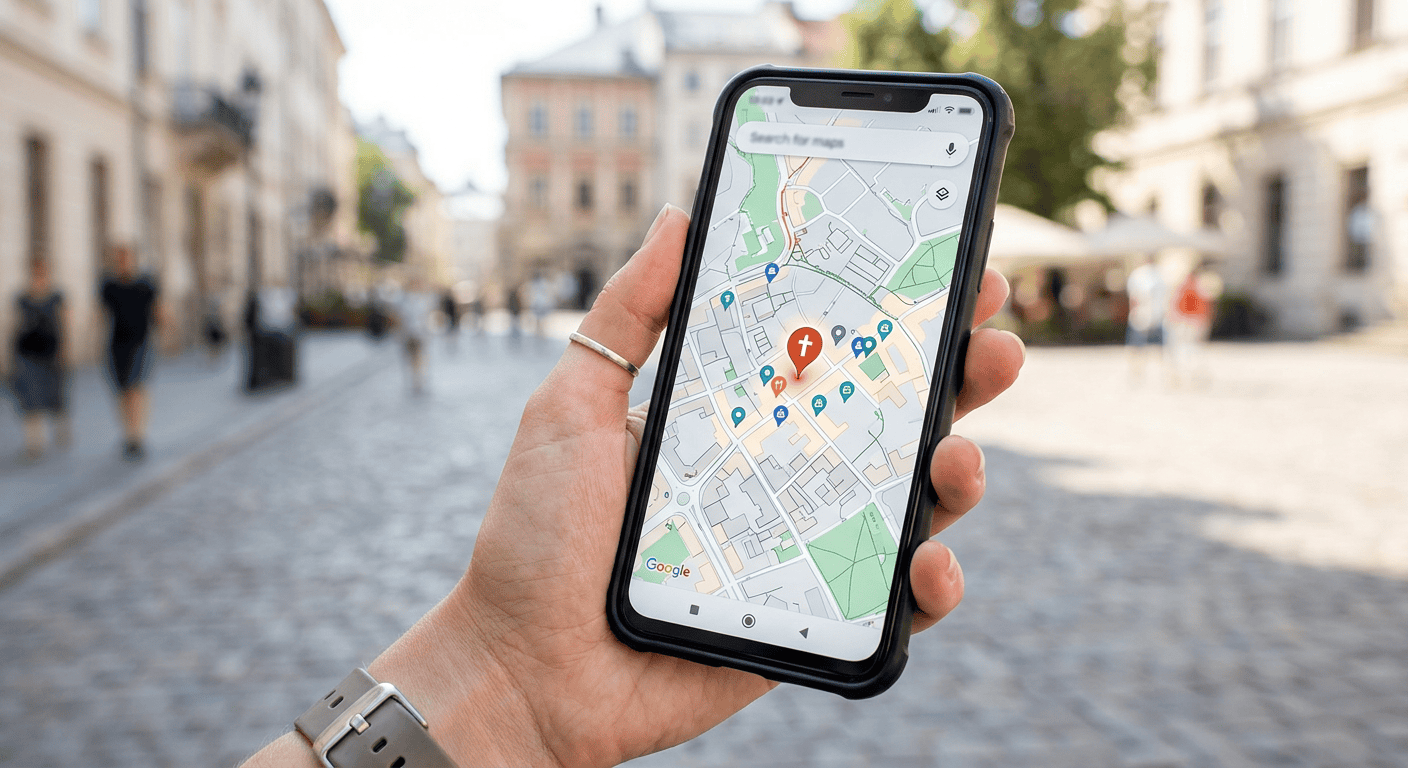
On-Page SEO: Making Your Website Easy for Google to Read
On-page SEO is about structuring your website so Google understands what each page is about. Think of it as labeling the rooms in your church building. Here are the fundamentals every church website needs.
Page Titles and Meta Descriptions
Every page on your website has a title tag and a meta description that show up in Google search results. Your homepage title should include your church name and city. Your meta description is your pitch in 155 characters. Every page needs a unique title and description.
Heading Structure
Headings (H1, H2, H3) help Google understand the hierarchy of your content. Your H1 is the main headline. There should only be one H1 per page. H2s are major sections. H3s are subsections. This structure helps both Google and visitors.
Image Optimization
Every image should have a descriptive alt tag. Instead of “IMG_4532.jpg,” write something like “Families worshipping together during Sunday service at Grace Community Church.” Also compress your images to keep page speed fast.
Internal Linking
Internal links help Google discover all your pages and understand how they relate. Link related content together. If you mention sermons, link to your sermon archive. Good internal linking keeps visitors on your site longer too.
Content Strategy: You Are Already Doing This
Here is the part where most church staff feel overwhelmed. But the truth is, your church is already creating content. You just need to be slightly more intentional about it. Every week, your pastor prepares a sermon. Every month, you plan events. Every blog post, devotional, or volunteer spotlight is content Google can index.
Sermon Content
Your sermons are goldmines for SEO. People search for things like “what does the Bible say about anxiety” and “sermon on forgiveness.” For each sermon, include a descriptive title, a summary, and Scripture references. Add transcripts and actual content to your sermons if you want it to help SEO. Link to blog posts you’ve written that reporpose this sermon or others on the same topic.
Blog Posts
You do not need to publish weekly. Even one thoughtful blog post per month makes a difference. Focus on questions your community actually asks. There are people in your community asking hard questions that the church holds the answer to and wisdom about.
Event Pages
Every event should have its own page with a clear title, date, time, location, and description. “Church Easter Egg Hunt in Austin, TX, April 5, 2026” is much more searchable than “Spring Event.”
Pro Tip: On Faithmade your event schema (the code that Google reads about your event) is added automatically. In fact, we do a lot of that nerd stuff right out of the box and you never have to worry about it.
The Compounding Effect
Every page you publish stays on your website forever. A blog post you write today can bring visitors two years from now. Over time, you build a library of helpful, searchable content that works 24/7. That compounding effect is why churches with even a modest content habit end up dominating local search.

Google Reviews: Social Proof That Drives Rankings
Google Reviews influence your local search ranking and build trust. When someone is deciding between three churches, the one with 87 genuine reviews mentioning the welcoming atmosphere wins every time.
How to Get More Reviews
Create a direct review link from your Google Business Profile. Share it in your newsletter, on connection cards, and in group chats. Ask at the right moment, right after a positive experience. Respond to every review to show Google and visitors that your church is engaged.
What About Negative Reviews?
They happen. Respond graciously, acknowledge the concern, and take it offline if needed. A thoughtful reply to a negative review actually builds more trust than having only perfect scores.
Website Speed and Mobile: The Technical Basics
Two technical factors directly impact your church SEO, and both are easy to check.
Page Speed
Google has been clear: slow websites rank lower. If your site takes more than three seconds to load, visitors leave. Test at pagespeed.web.dev. Common culprits: oversized images, too many plugins, cheap hosting.
Mobile-First Design
More than 60% of “church near me” searches happen on a phone. Google looks at your mobile version first. Pull up your site on your phone. Can you find service times in three seconds? Can you get directions with one tap?
FaithMade tip: Every FaithMade site is built mobile-first with fast load times and built-in SEO fundamentals. If your current website is slowing you down, it might be time to look at a platform that handles the technical side. Try FaithMade free
Schema Markup: Helping Google Understand Your Church
Schema markup tells Google exactly what your website is about. For churches, it includes your name, address, denomination, and service times. When your site has proper schema, Google can display rich results like service times directly in search. Most modern platforms handle this automatically. Test yours at search.google.com/test/rich-results.
I know I mentioned it earlier, but Faithmade handles most of your schema automatically. But, if you are on WordPress and need something for this, we recommend SEOPress and SureRank.
Measuring Your SEO Results
Set up two free tools: Google Search Console (shows which searches lead to your site) and Google Analytics (tracks visitors and behavior). Check monthly. Look for trends in organic traffic, top landing pages, and bounce rate. Do not obsess daily.
Common Church SEO Mistakes (And How to Fix Them)
Mistake 1: No Google Business Profile. The single biggest missed opportunity. Claim and optimize it today.
Mistake 2: A homepage that says nothing. Your homepage should clearly state who you are, where you are, when services are, and what to expect.
Mistake 3: Every page has the same title. Give each page a unique, descriptive title.
Mistake 4: Ignoring mobile. Check your site on a phone. Fix what is broken.
Mistake 5: No fresh content. Even small quarterly updates signal your church is alive.
Mistake 6: Stuffing keywords. Use keywords naturally, the way you would say them to a friend.
Mistake 7: No internal links. Link related content together. Your church event promotion guide should link to your events page. Your post about marketing your church should link to your about page.
FAQ: Church SEO Questions Answered
How much does church SEO cost? Nothing, if you do it yourself. Google Business Profile and Search Console are free. FaithMade plans start at $29/month if you want a platform that handles the technical SEO out of the box.
How long does it take to see results? Local ranking improvements in 60-90 days. Significant organic traffic growth takes 6-12 months. Results compound over time.
Should we hire someone? For most churches, no. If you have budget, spend it on content creation rather than technical SEO services. If you’re larger and can afford to outsource it, then yes, especially if you are in a metro area.
Does the platform matter? Yes. Look for clean code, fast load times, mobile-responsive design, and built-in schema markup.
What about AI search? For local searches, traditional SEO signals still drive results. Good SEO is good for every kind of search. In fact, Good SEO is what really moves the needle in AI Search. After all, AI is searching and finding results and then reporting them back to you.
How many Google Reviews do we need? More than your local “competition”. Quality matters too. Detailed, genuine reviews carry more weight.
Is blogging worth it? Yes. One quality post per month builds compounding organic traffic over time.
What if we are a small church? Start small: Google Business Profile, optimize your homepage, ask for reviews. Every improvement helps.
Can we do SEO without WordPress? Absolutely. The principles are the same on any platform, including FaithMade.

