
Someone in your city is searching for a church right now.
They typed “church near me” into Google, scrolled through the map results, and picked one of the top three. Was it yours? For most churches, the honest answer is no. Not because the church isn’t great. Because Google doesn’t know it exists.
The good news: local SEO for churches isn’t the technical mountain most people think it is. Most of what actually moves the needle comes down to three things. Two of them are completely free to fix this week.
Why “Church Near Me” Is the Most Important Search Your Church Isn’t Winning
“Church near me” gets searched millions of times every month across the country. And it’s not just church hoppers browsing their options. It’s people who just moved to your city. Families looking for a children’s program. Someone going through a hard season who finally decided to try church. People who just lost someone and don’t know where else to turn.
These are high-intent, ready-to-visit searchers. They’re not researching. They’re deciding. And Google is their first stop.
The problem is most churches are invisible to these searches. They have a website. They have a Facebook page. But they’ve never told Google who they are, where they are, or when they’re open. So Google shows the churches that did.
Local SEO for churches isn’t about gaming an algorithm. It’s about making it easy for Google to trust your church enough to recommend it to people in your community.
Start Here: Your Google Business Profile Is Everything
If you do nothing else after reading this, do this one thing.
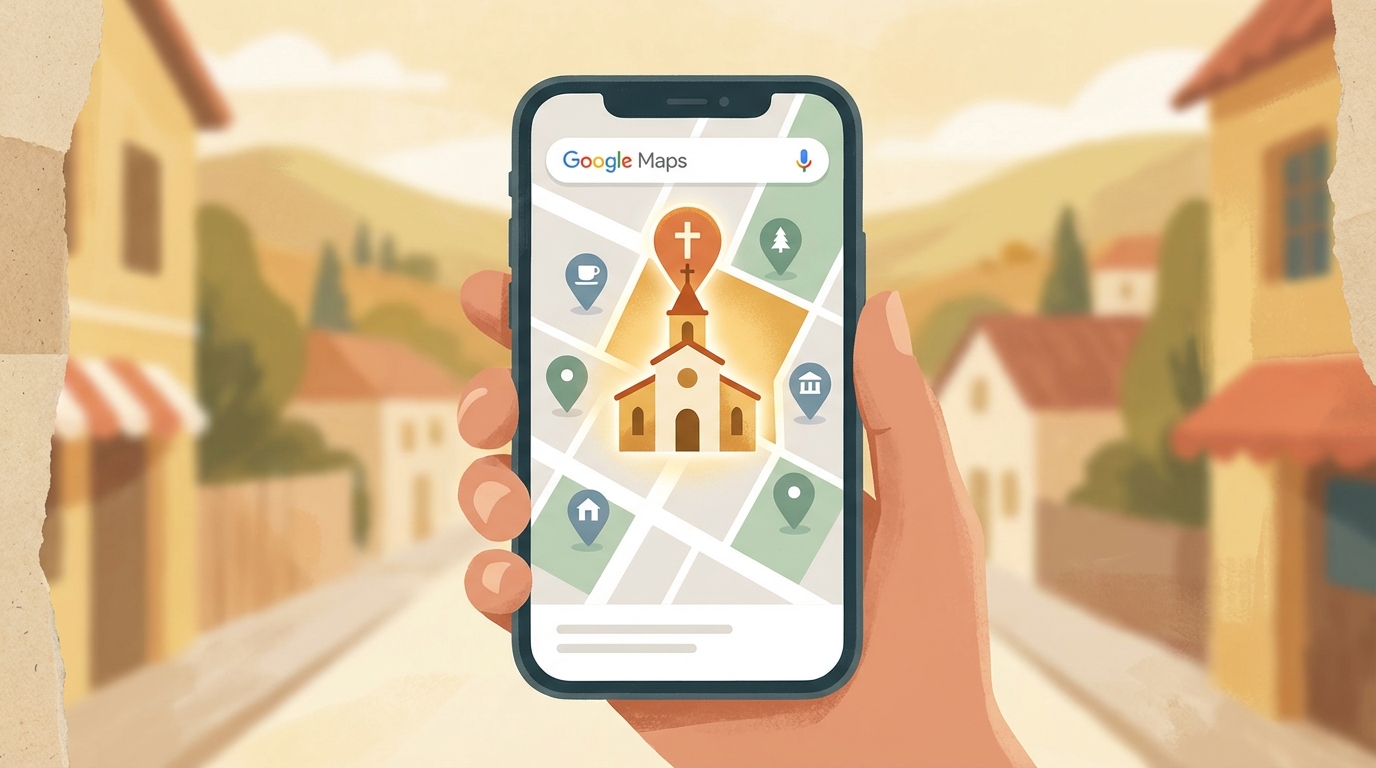
Go to Google Business Profile and claim your church. This is the single highest-leverage local SEO move available to any church, and it’s completely free. It directly affects whether you appear in that map pack at the top of Google search results when someone searches “church near me.”
Once you’ve claimed your profile, fill everything out completely:
- Church name (exactly as it appears on your building and website)
- Address (consistent with what’s on your website)
- Phone number
- Service times (update these whenever they change)
- Website URL
- Photos of your exterior, sanctuary, welcome team, and events
- Category, select “Church” as your primary category
The photos matter more than most churches realize. Google Business profiles with photos receive significantly more clicks and direction requests. Add real photos of your actual congregation, not stock images. People want to know what they’re walking into before they ever visit.
Then ask your congregation to leave Google reviews. Not in a pushy way. Just a simple, honest ask: “If Google reviews help people find our church, and this church has meant something to you, we’d really appreciate your help.” Reviews are one of the strongest local ranking signals Google uses. Easy peasy.
Your Church Website Is Your Local SEO Foundation
Your Google Business Profile tells Google you exist. Your website tells Google who you are, what you do, and whether you’re trustworthy enough to recommend.
For local SEO specifically, a few things on your site matter most.
Your location needs to be on your website. Not just buried in the footer. On your homepage, in your contact page, and ideally a few other places too. Something like “Serving the [City] community since [year]” does more SEO work than it looks like.
Your site needs to load fast on a phone. Google penalizes slow websites in local search rankings. If your church site takes more than three seconds to load on a mobile device, you’re losing rankings and you’re losing visitors before they even read a word. Pull up your church site on your phone right now. If it’s slow or anything looks broken, that’s your starting point.
Each page should be about one thing. Your sermons page is about sermons. Your events page is about events. Your Plan a Visit page is about visiting. Clear, focused pages help Google understand your site and help visitors find what they’re actually looking for.
The Part Nobody Talks About: Consistent Info Everywhere
Here’s a local SEO concept that trips up a lot of churches: NAP consistency.
NAP stands for Name, Address, Phone number. Google cross-references your church’s information across dozens of websites. Yelp, Yellow Pages, Apple Maps, Facebook, your website, your Google Business Profile. If your address shows up slightly differently on each one (101 Main St. vs 101 Main Street vs Suite A, 101 Main Street), Google sees inconsistency and trusts you less.
The fix is straightforward. Google your church name and check what comes up. Anywhere your address or phone number appears, make sure it matches exactly what’s on your Google Business Profile. Exact match. Every time.
Also check Apple Maps. A significant chunk of iPhone users tap the map result before they ever visit a website. If your church isn’t on Apple Maps or has outdated information there, you’re invisible to a big slice of local searchers.
What a First-Time Visitor Actually Searches For
Here’s something worth understanding about how people find a church online. It’s rarely just one search. They start with “church near me,” then search your church’s name to learn more, then look for your service times the morning they finally decide to come.
This is why your website needs more than an address and a sermon archive. It needs a clear “Plan a Visit” or “I’m New” page that answers the questions a first-time visitor actually has before they walk through your door.
- What time are services?
- Where do I park?
- What do people wear?
- What happens with my kids?
- What should I expect when I walk in?
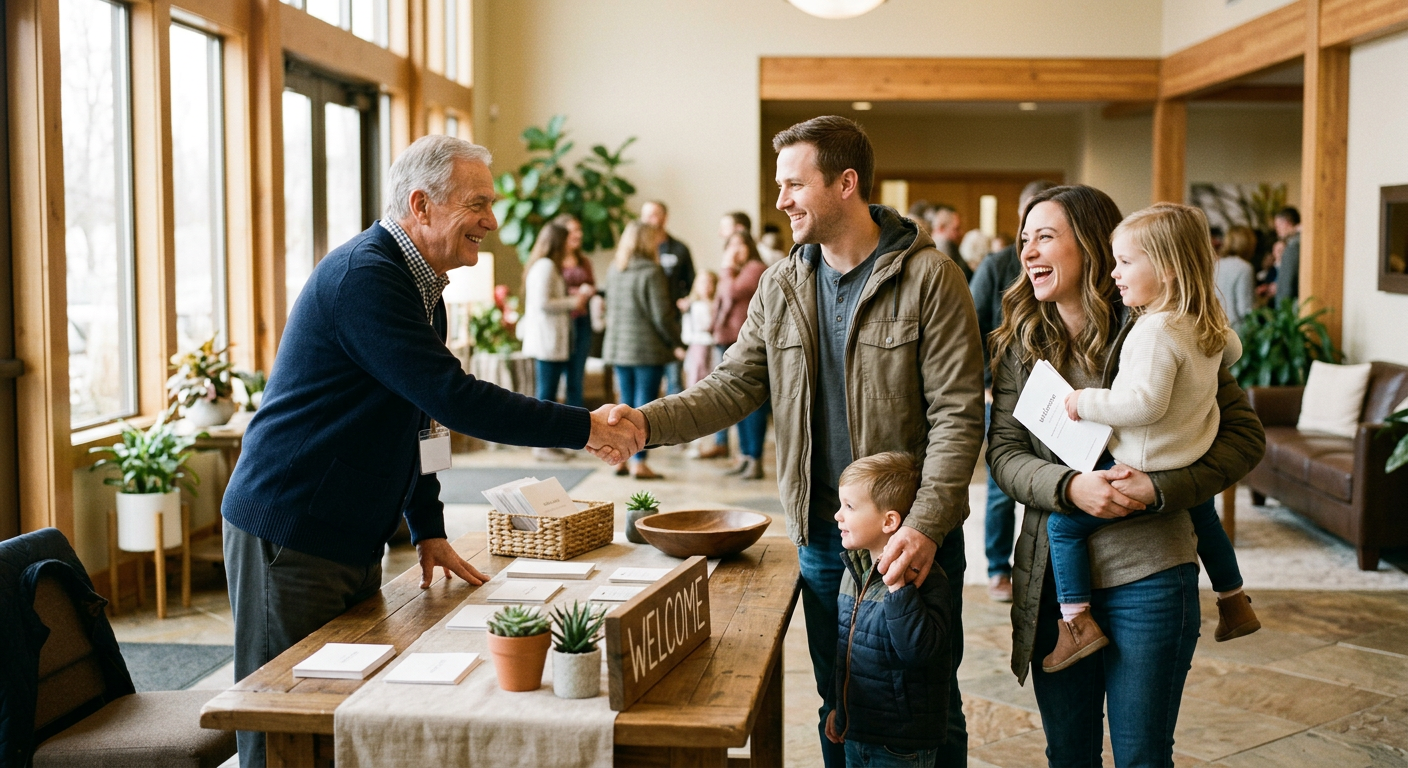
A church that answers these questions clearly converts more Google searchers into actual visitors. And when those visitors become regulars and leave reviews on Google, your local rankings improve. It’s a flywheel. The more visible you are, the more visitors you get. The more visitors engage, the more visible you become.
Three Things You Can Do This Week
Local SEO can feel like an overwhelming project. It doesn’t have to be. Start here.
1. Claim and complete your Google Business Profile. If it’s not claimed, do it today. If it is claimed, log in and make sure every field is complete, your service times are current, and your photos are recent.
2. Ask for Google reviews. In your next service, your next email, your next bulletin. A simple, genuine ask goes a long way. The churches that consistently show up at the top of local search almost always have the most reviews.
3. Check your website on a phone. Open it on your actual phone. Navigate through it like a first-time visitor would. If anything feels slow, confusing, or broken, that’s your next priority.
Those three things alone will put your church ahead of most churches in your city. The bar is lower than you think.
A Website That Handles the Technical Stuff For You
The biggest barrier most churches face with local SEO isn’t knowledge. It’s the technical side of making sure the website is fast, mobile-optimized, and structured the way Google expects.
FaithMade handles all of that out of the box. Every site is built on infrastructure optimized for speed and mobile performance. Local SEO settings are built into the platform so you’re not hunting for plugins or hiring an agency to configure things.
If you’d like to see how it works, try FaithMade free and we’ll show you around. No technical background required. Just a church that wants to be found.
